16" Portable Touchscreen LCD Monitor FHD - MISURA M16T
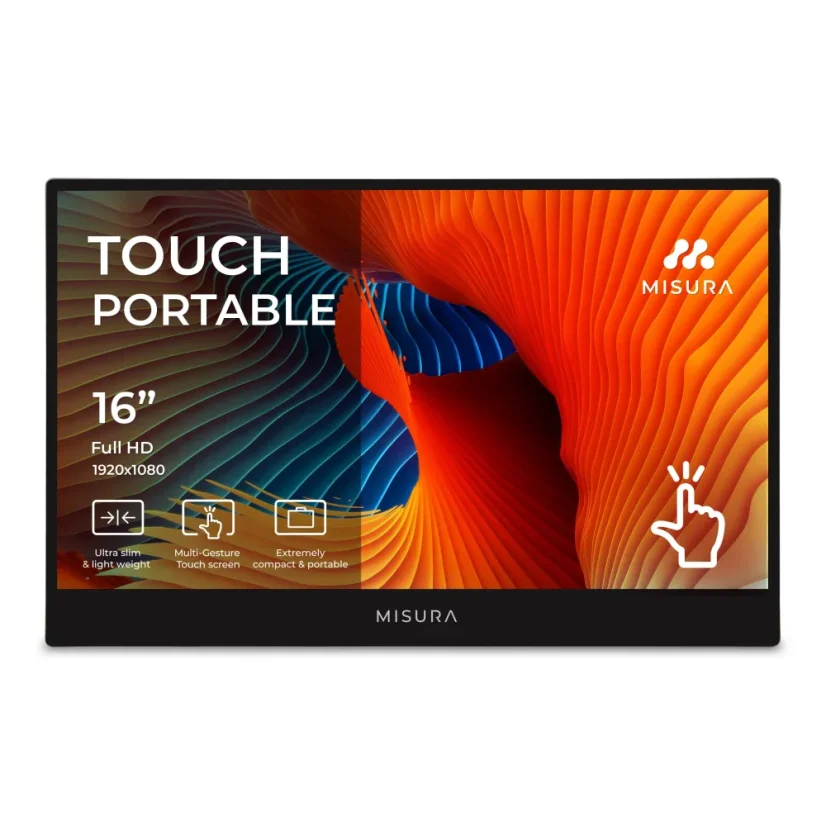
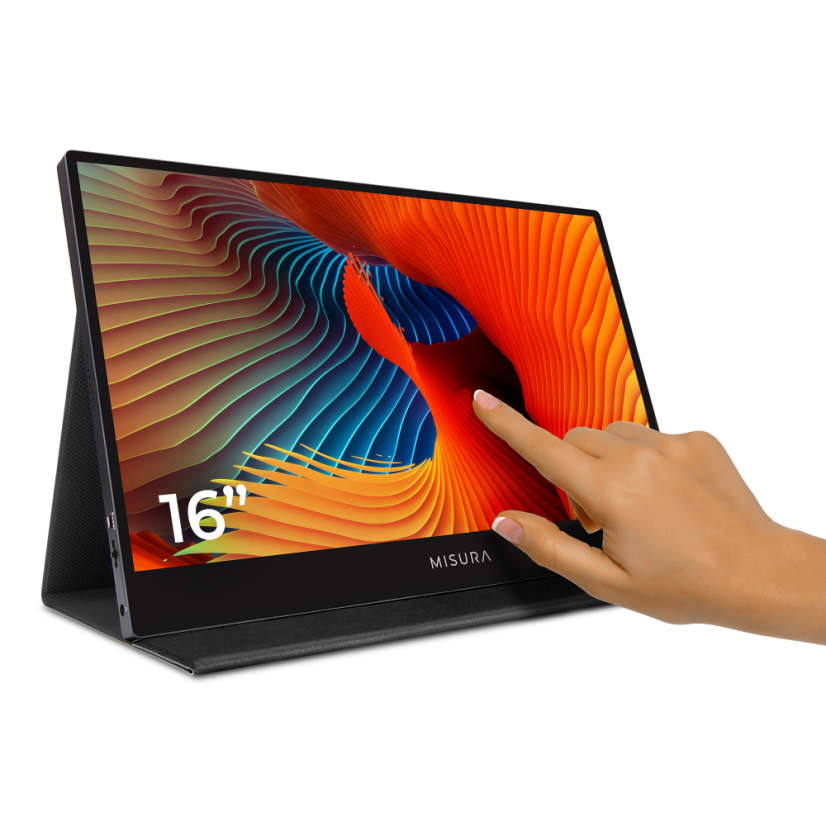

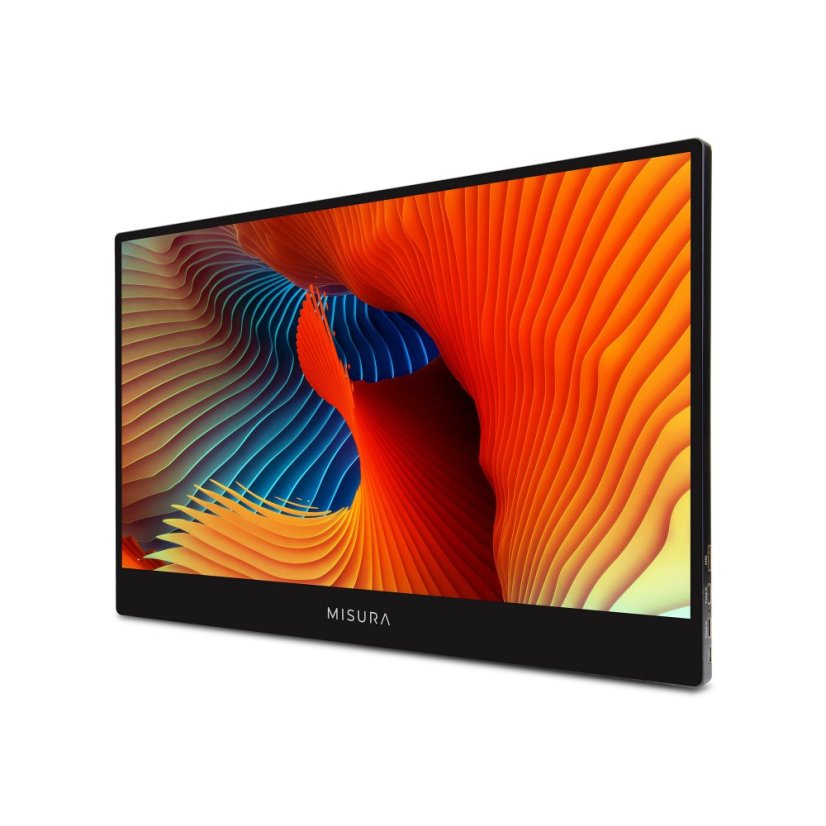
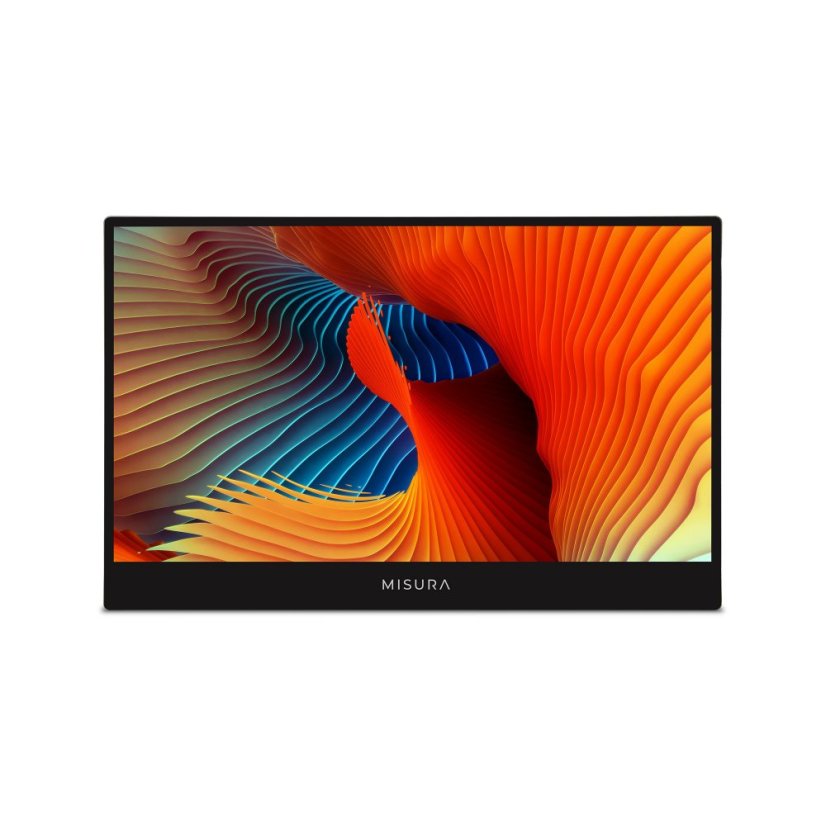
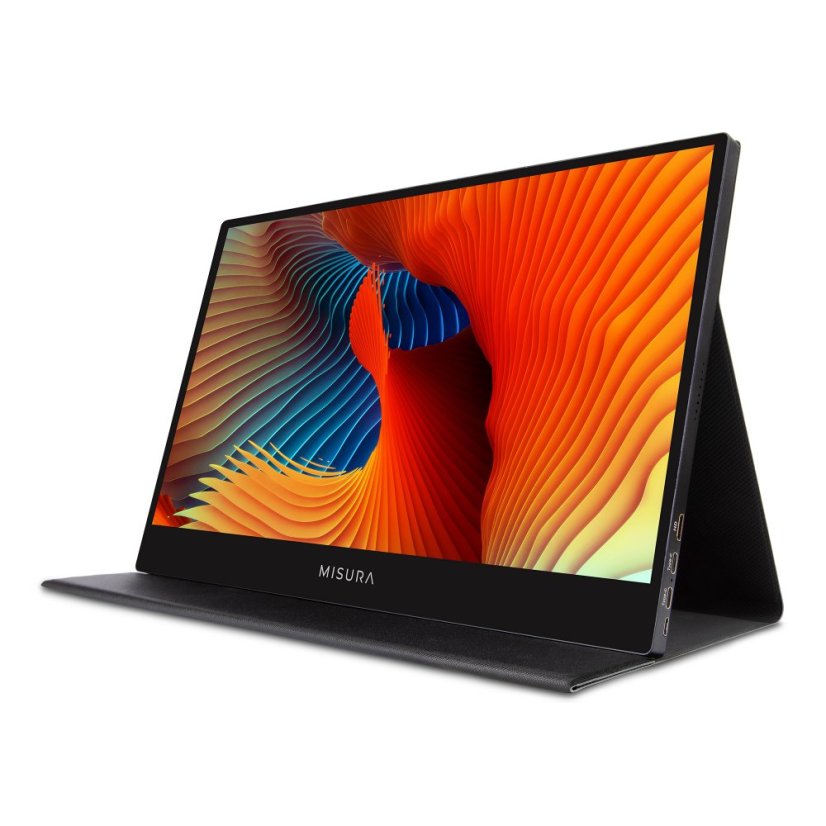
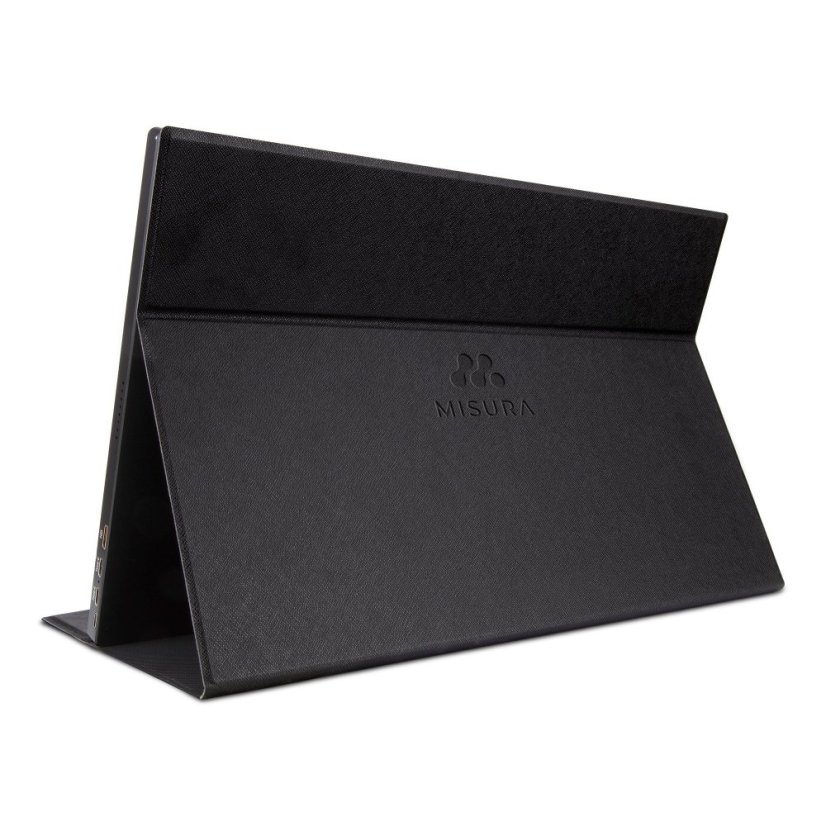
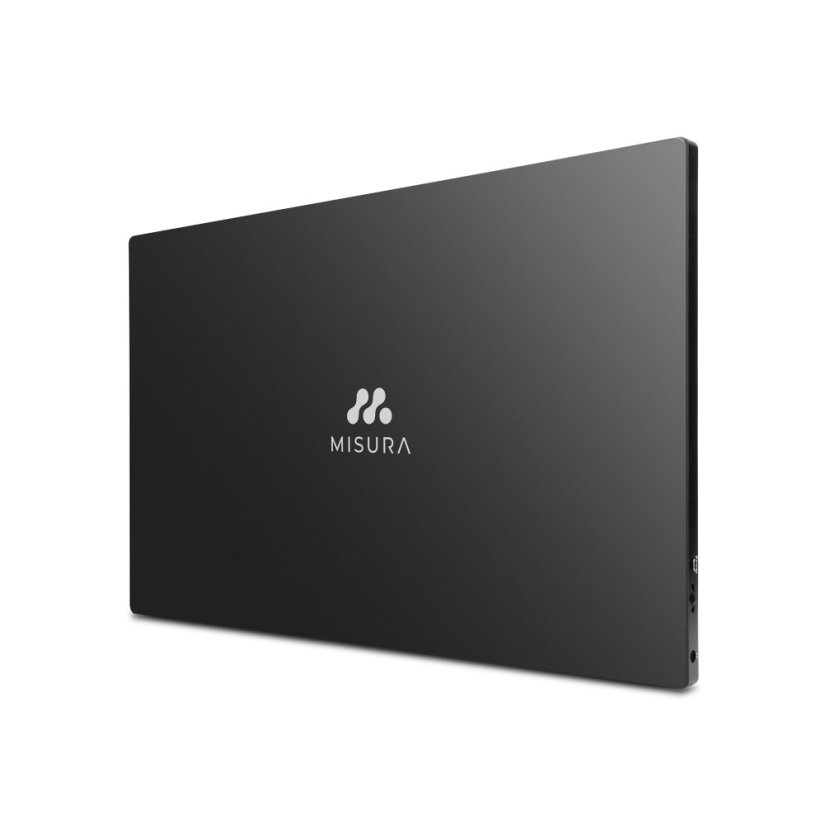
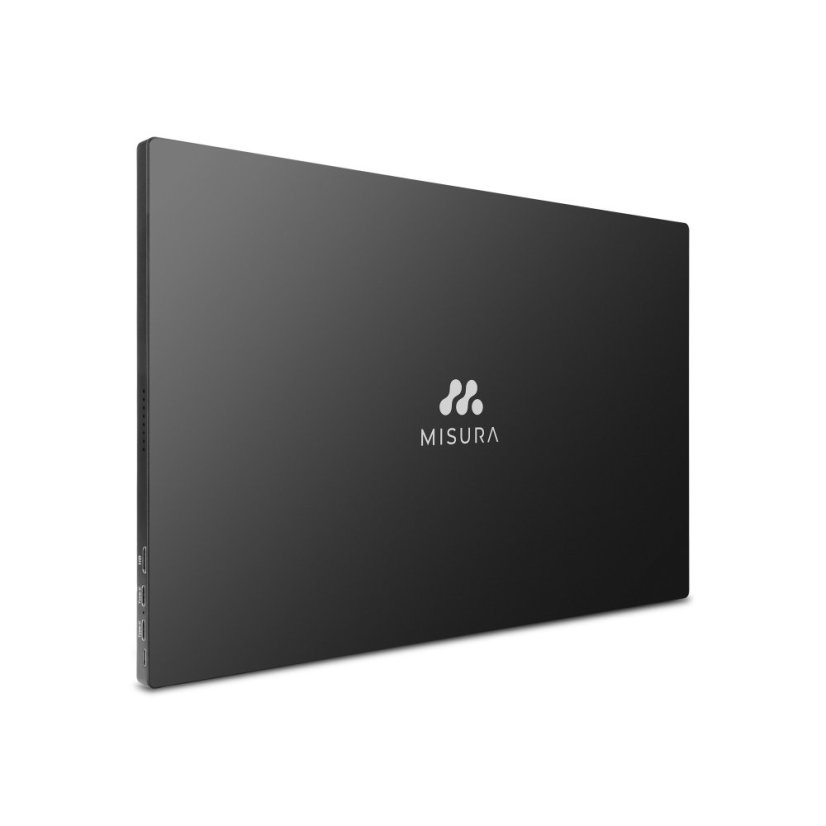
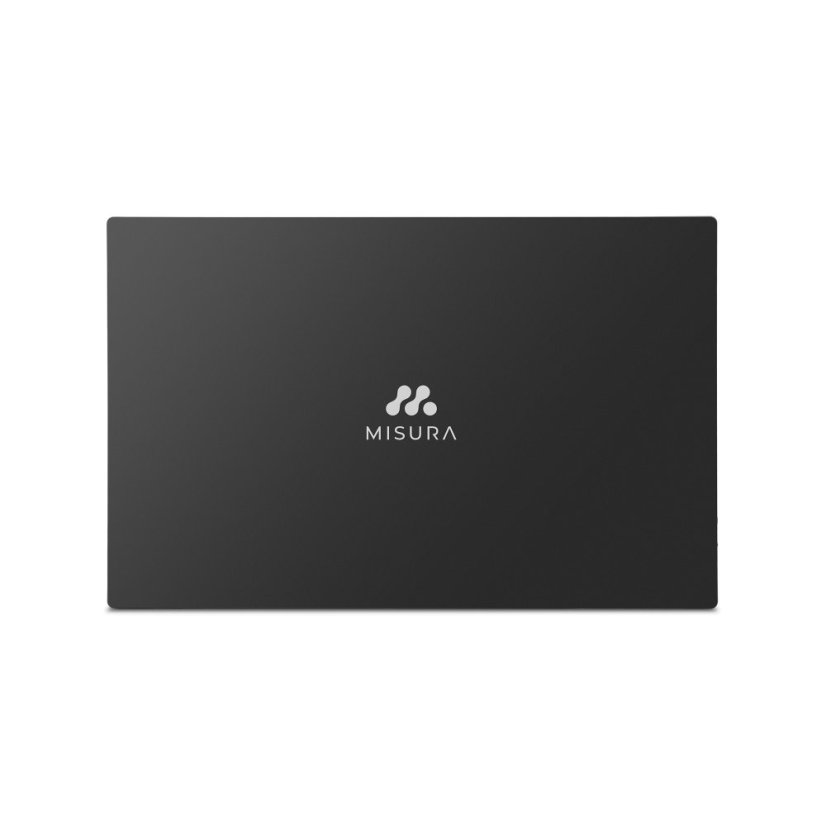
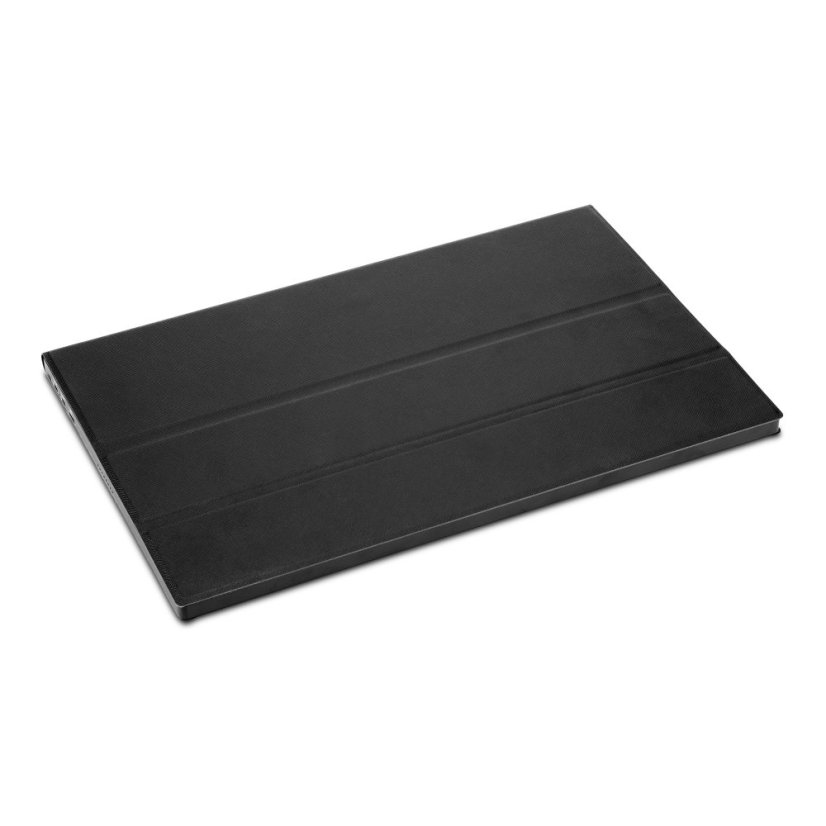


16" Portable Touchscreen LCD Monitor FHD - MISURA M16T
 User Manual
Alternative products4


16" Portable Touchscreen LCD Monitor with Battery FHD - MISURA M16TB
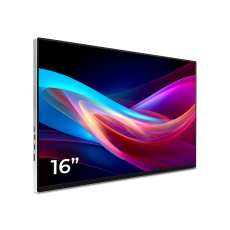
16" Portable LCD Monitor 2.5K - MISURA M16QHD
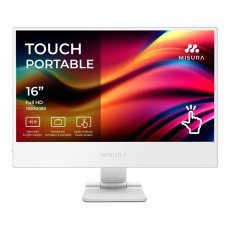

16" Portable Touchscreen LCD Monitor FHD - MISURA M16TSTYLE
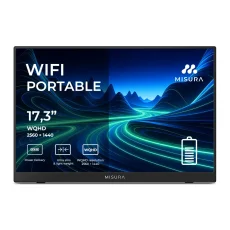
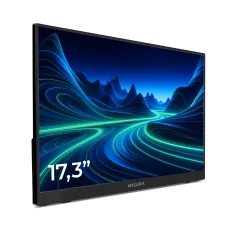
17.3" Portable Wireless WQHD 2.5K Monitor with Battery - MISURA P173QHBW
LCD IPS HDR MONITOR MISURA M16T – 16"
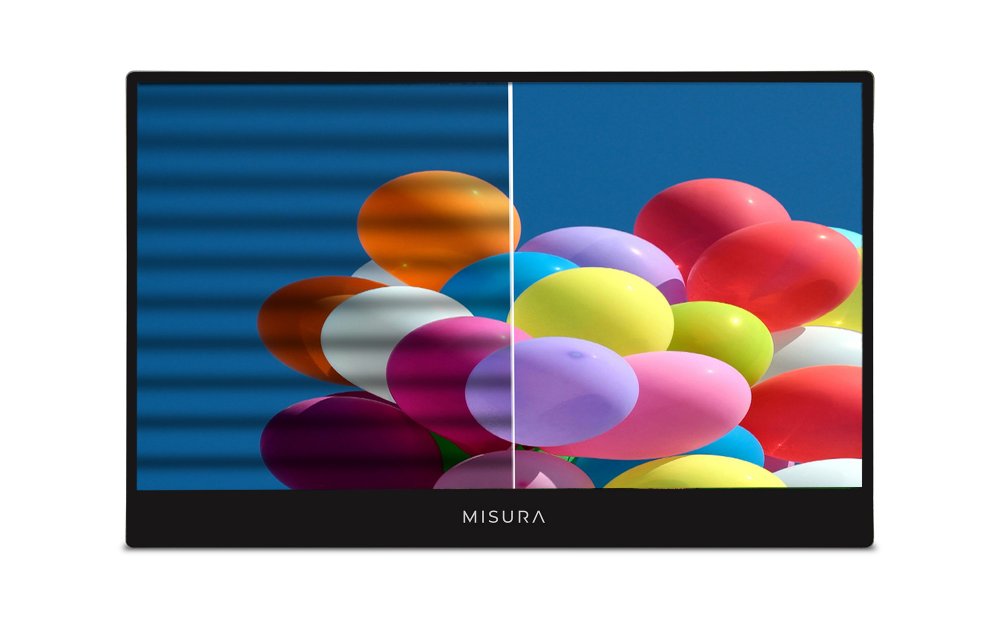
Do you travel often and feel limited by a small laptop display? In that case, the ideal choice is the MISURA M16T 16" portable touchscreen monitor, which you can easily connect to your laptop and instantly expand your workspace with an additional screen. The monitor combines a large 16" display with excellent colour performance thanks to HDR technology. Plus, it features tempered glass with a touch layer for comfortable and intuitive control.
Touch control is fully compatible with Windows, Linux and Apple iOS.

Key Features
- Compact design and ultra-thin bezel with a weight of just 0.89 kg
- Excellent colour reproduction from virtually any angle thanks to IPS technology
- Sharp and detailed picture thanks to Full HD resolution (1920 × 1080)
- High-quality touchscreen with G+G technology
- HDR (High Dynamic Range) – wide dynamic colour range
- Built-in speakers for immersive audio
- Reduced blue light emission – Low Blue Mode

Lightweight design and maximum mobility
The WLED MISURA M16T – 16" monitor stands out with a low weight of just 0.89 kg and a thickness of only 9 mm. Thanks to the ultra-thin bezel, it reaches overall dimensions of 22.4 × 36 × 1 cm.
To operate the monitor, a single USB-C cable is enough, providing both video transfer and power. If your device does not have this connector, you can use a combination of HDMI (video) and USB-A (power). All necessary cables are included in the package.
When connected to an external power supply, the monitor can also be used with mobile phones or gaming consoles.


Full HD resolution (1920 × 1080)
The MISURA M16T – 16" monitor features Full HD resolution for perfectly sharp and detailed visuals. IPS technology also provides excellent colour reproduction, even when viewed from wide angles.
The MISURA M16T portable monitor gives you travel-friendly comfort comparable to working with a classic desktop monitor.
Full G+G lamination technology
Full lamination technology with optical adhesive completely eliminates the air gap between the touch layer and the display panel. This significantly reduces reflections, minimises light loss and increases brightness, improving the overall display effect.
Full lamination also extends device durability. Dust and water vapour have no space to penetrate between layers, which helps maintain long-term screen cleanliness and image quality.

| Diagonal | 16" |
|---|---|
| Monitor type | Portable - single |
| Screen | Flat |
| Resolution | 1920 × 1080 |
| Touch screen | YES |
| Panel Technology | LCD |
| Backlight | LED |
| Panel Type | IPS |
| Aspect ratio | 16:9 |
| Colours | 16.7 million colours |
| Contrast | 1200:1 |
| Refresh rate | 60 Hz |
| Brightness | 300 cd/m² |
| Colour coverage | 81 % sRGB (58 % NTSC) |
| FreeSync | NO |
| Response time | 30 ms |
| Viewing Angle | 178° (H) / 178° (V) |
| Flicker-Free | NO |
| G-sync Compatible | NO |
| Low Blue Light | YES |
| OverDrive | NO |
| HDR10 | YES |
| RGB Light | NO |
| Height Adjustable Stand (HAS) | NO |
| VESA | NO |
| Speaker | 2× 1 W |
| Connectors | 1× HDMI, 2× USB-C |
| Power Delivery (PD) | 15 W |
| Material | Aluminium alloy |
| Color |

|
| Weight | 0,89 kg |
| PiP/PbP | NO |
| Headphone Jack | YES |
| Pivot | NO |
| Width (cm) | 36,0 |
| Height (cm) | 22,4 |
| Depth (cm) | 0,9 |
| eDP | 1.2 |
| Certificates | CE, RoHS |
| Package contents | 1× USB-C → USB-C cable, 1× USB-C → USB-A cable, 1× miniHDMI / HDMI cable, 1× Charger, 1× Magnetic protective case, 1× Portable monitor 16" |
Lubomír Stiburek Verified review
Verified review from a registered customer.

An office can be established anywhere. How? Using MISURA portable monitors
Nowadays, work is increasing in the form of home office. With this has developed the need for the right technical equipment that is suitable for home use and yet affordable.

How to connect monitors to a laptop?
There are several possibilities. First, check if your computer has a USB-C connector. This is the best option. Through this connector, you will both power the monitor and send the video signal to it.
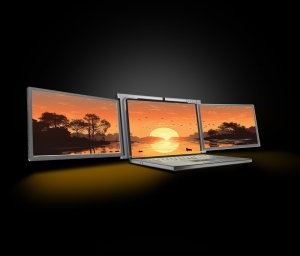
Dual monitors, triscreen, but also single monitors - MISURA offers a wide range of external monitors
Monitors are now an integral part of not only our working environment, but also an essential part of home office equipment. Although each of us has certainly seen a monitor in his or her lifetime, there is surely at least one little thing that we had no idea about until now. So, let's ask the question. What didn't we know about monitors before?
USB Type-C: not one, but nine connector types
USB Type-C: not one but nine connector types - not all USB Type-C connectors are equal, even though they look the same on the outside.
Related products7
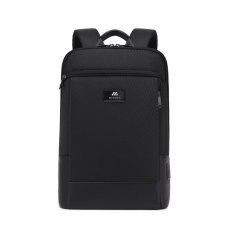
MISURA Laptop and Portable Monitor Backpack 10L with USB-C Charging Port

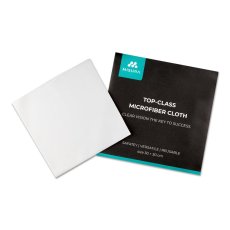
MISURA Premium Microfiber Cleaning Cloth 30 × 30 cm
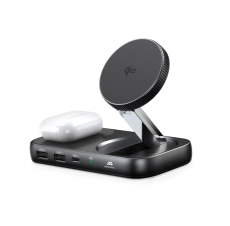
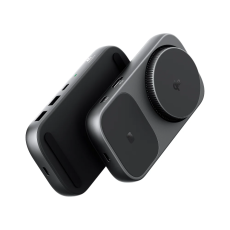
2-in-1 Foldable Wireless Charger with USB-C Hub MISURA MH14 – 6 Ports
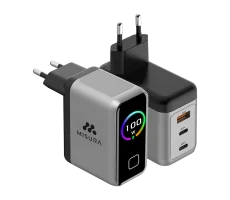
MISURA MH15 GaN Charger 100 W with Display
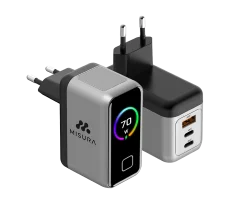
MISURA MH15 GaN Charger 70 W with Display


ColorWay 3in1 Cleaning Kit (CW-1031)